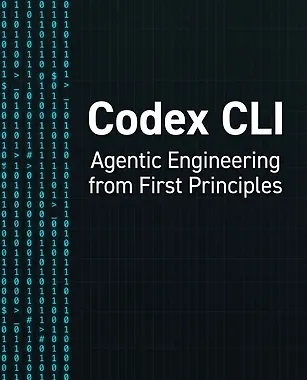
| File Name: | Codex CLI - Agentic Engineering from First Principles |
| Content Source: | https://leanpub.com/codex-cli |
| Genre / Category: | E-Books |
| Language: | ENGLISH |
| Price: | $19.99 |
ABOUT THE E-BOOKS
Codex CLI: Agentic Engineering from First Principles is the most comprehensive guide to agentic software engineering with OpenAI's command-line coding agent. Across 28 chapters in six parts, you'll move from first principles to production workflows and team-scale practice: prompting and AGENTS.md configuration, approval modes and kernel-level sandboxing, model selection, context and cost management, MCP servers, hooks, skills, sub-agents and orchestration, worktrees, CI/CD integration, security hardening, and enterprise deployment. Later chapters cover debugging and testing agentic workflows, AI code review, practical engineering guides (codebase migration, backend, frontend, and infrastructure as code), and the bigger picture: benchmarks, competing tools, harness engineering, and how to structure an agentic engineering team.
Whether you're a solo developer looking to multiply your output or an engineering lead rolling out agentic workflows across a team, this book gives you the mental models and practical techniques to work effectively with AI coding agents.
Written by Daniel Vaughan and drawing on real-world experience and community insights, it equips every chapter with learning objectives, worked examples, and hands-on exercises.