

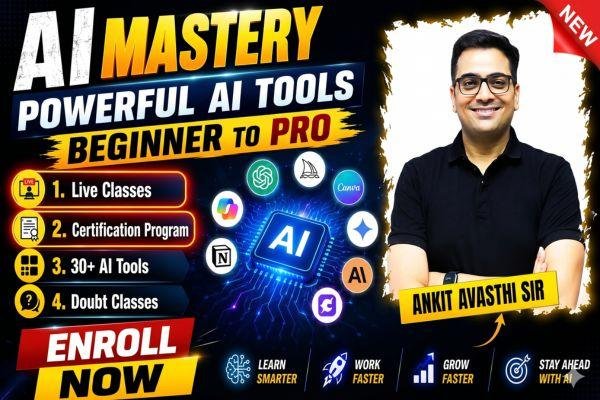
File Name: | AI Mastery: From Beginner to Pro With Powerful AI Tools by Ankit Avasthi Sir |
Content Source: | https://www.baatenbazarki.com/courses/Usage-of-AI-by-Ankit-Avasthi-Sir-69987f82d5c66269a3f812b7 |
Genre / Category: | |
Language: | HINDI |
Price: | ₹2,999 |
ABOUT THE COURSE:
AI Mastery: From Beginner to Pro With Powerful AI Tools. The future belongs to those who know how to use AI — and this course is your gateway to mastering it.
AI Mastery is a comprehensive, hands-on course designed to take you from zero to confident AI user across 30+ of the most powerful tools available today. Unlike courses that focus on just one platform, this program introduces you to the full AI ecosystem — covering ChatGPT, Claude, Google Gemini, DeepSeek, Grok, Leonardo AI, ElevenLabs, Suno, Canva AI, Cursor, and many more.
Action-packed classes led by Ankit Avasthi Sir, you will learn how AI actually works under the hood, how to write powerful prompts, how to generate stunning images, videos, and music, how to build modern websites without writing a single line of code, and how to automate everyday tasks to save time and boost your productivity.
Whether you want to grow a YouTube channel, ace your studies, build a freelancing career, or simply stay ahead in a fast-changing world — this course gives you the practical skills and real-world workflows to do it all with AI. By the end of this course, you will be able to confidently operate multiple AI platforms, build AI-powered workflows, and stay adaptable as new tools continue to emerge.
Recommended Comments