gautam Kumar Raj
SUPREME
-
Joined
-
Last visited
-
262 Udemy - Portrait Drawing 101 - Pencil Drawing Course for Beginners 6.86 GB
-
 Bhai telegram par video dhek nahi pa rahi hi . Video ke size ke karan. 6 min ka video do don lag raha hai
 -
Please add playlist of Sadhguru exclusive video from old to new Will see all of those videos and they provide trial for 7 days so you can do this for free . Thankyou sir
-
Will it be possible to available this course
-
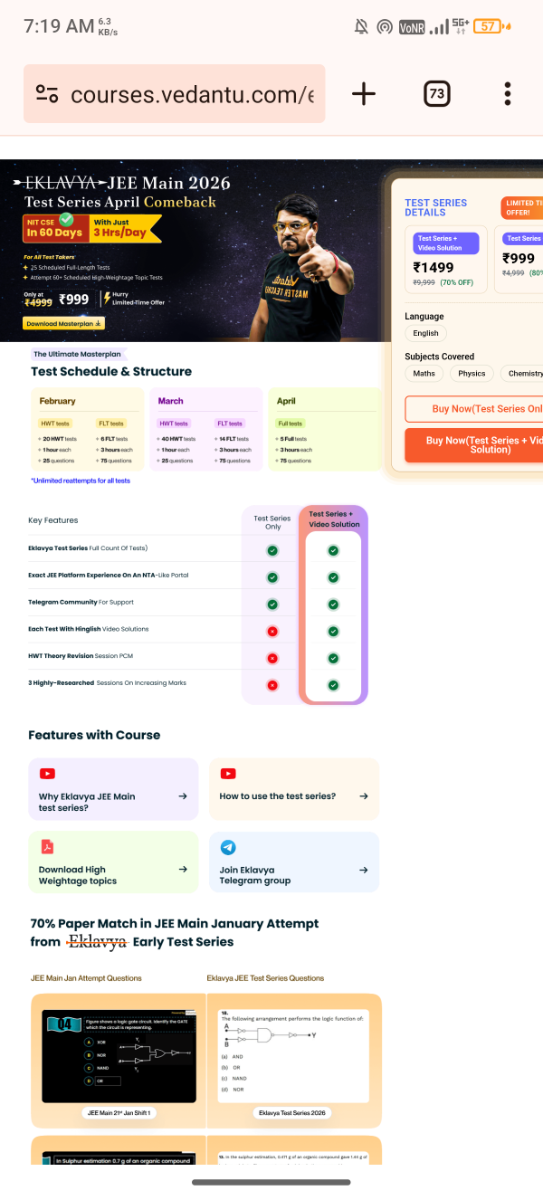
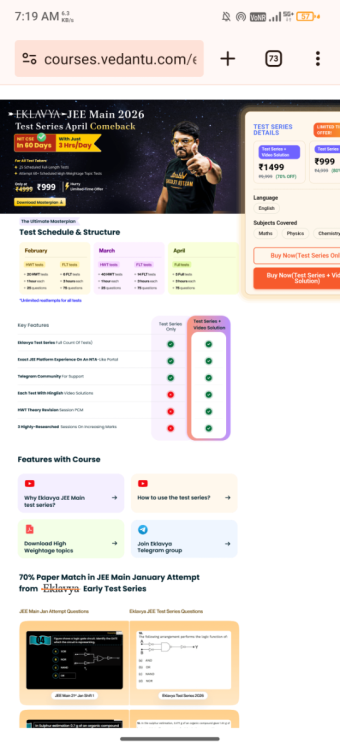
https://courses.vedantu.com/eklavya-jee-test-series-april-attempt-dm/?&couponCode=VDTSDM26&utm_source=Google&utm_medium=SEARCH1&utm_campaign=SP_ACQ_GOOGLE_SEARCH1_AS_TP_Test_Series_JEE_Mains_Eklavya&utm_content=Eklavya_Test_Series_JEE&utm_term=eklavya jee test series&gad_source=1&gad_campaignid=23515151483&gbraid=0AAAAACra23xgDPhhyTg6FEMGNBoJcdxI_&gclid=EAIaIQobChMIhI3sr-yqkwMVmadmAh1z_hGIEAAYASAAEgI9WfD_BwE Bhai please upload kar de important hi Please 🥺 🥺 🥺 🥺 🥺 🥺 🥺
-
Aap uploaded course ka link reply kar dena please
-
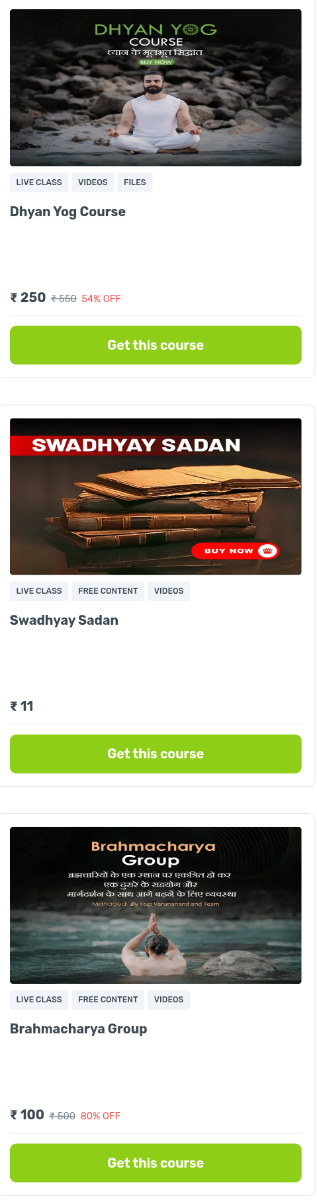
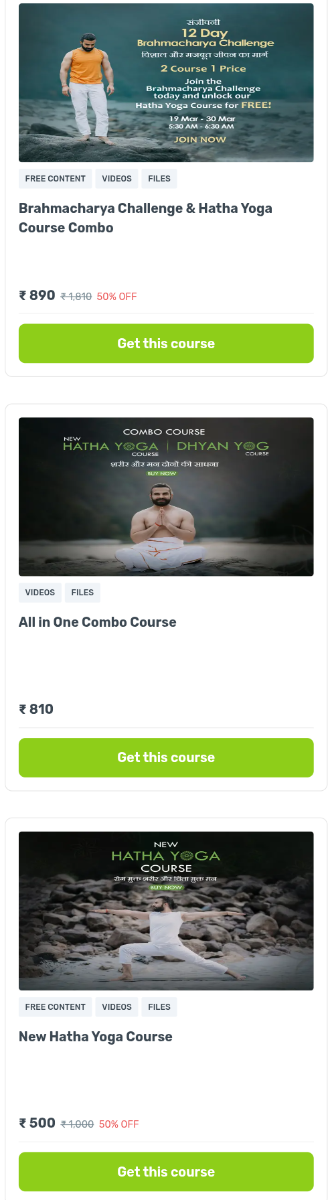
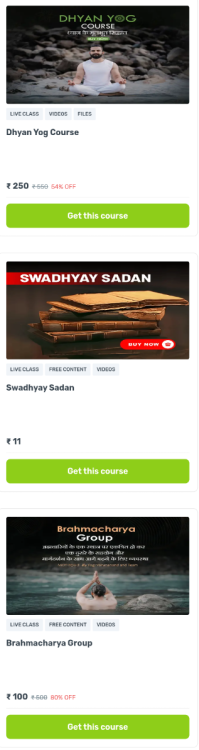
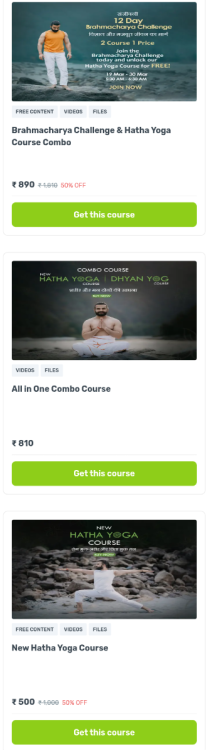
https://wiwig.courses.store/?filterId=27&sortId=7 Bhai ho sakta hu to ye course bhi upload kar dijiyega. Course ke name photo mai hi. Please. Thankyou for you attention
-
Premium course. Teaching kalaripayattu and others material arts Please